
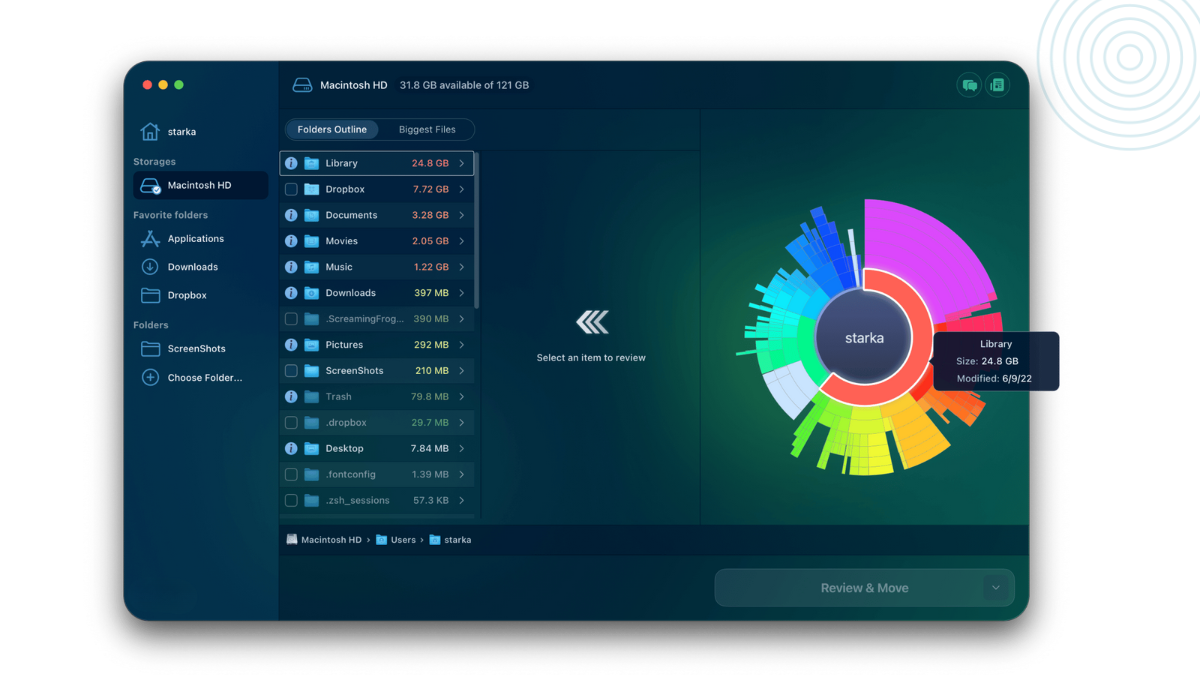
Disk space refers to the amount of storage capacity available on a computer’s hard drive or solid-state drive (SSD). It is an essential component of any computer system, as it determines how much data can be stored on the device. In this article, we will explore the importance of disk space and how it can affect the performance of a computer.
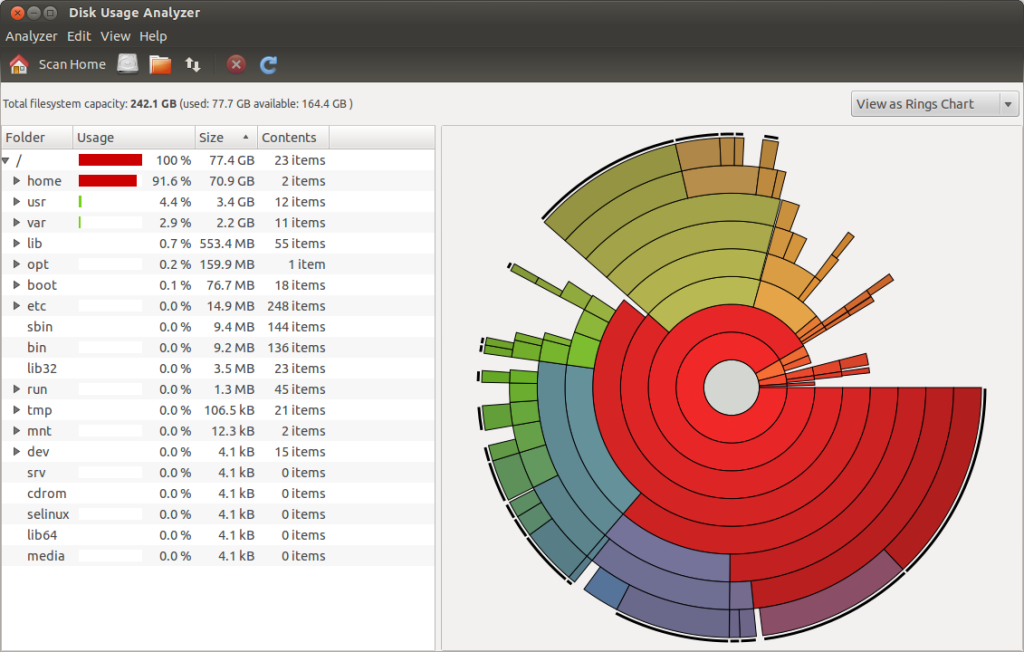
Why does Disk Space Matters?
Disk space is an important consideration when choosing a computer or upgrading an existing one. It determines how much data can be stored on the device, including files, documents, images, videos, and software applications. Insufficient disk space can result in a variety of issues, including:
- Slow performance: When the disk space on a computer is almost full, it can lead to slower performance as the computer struggles to read and write data.
- System crashes: If a computer’s disk space is completely full, it can cause the operating system to crash, resulting in lost data and potential hardware damage.
- Inability to save files: When the disk space is full, the user will be unable to save any additional files, leading to frustration and lost work.
- Difficulty in software updates: Some software applications require a certain amount of free disk space to run, and without it, they may not be able to update or function correctly.
How Much Disk Space is Enough?
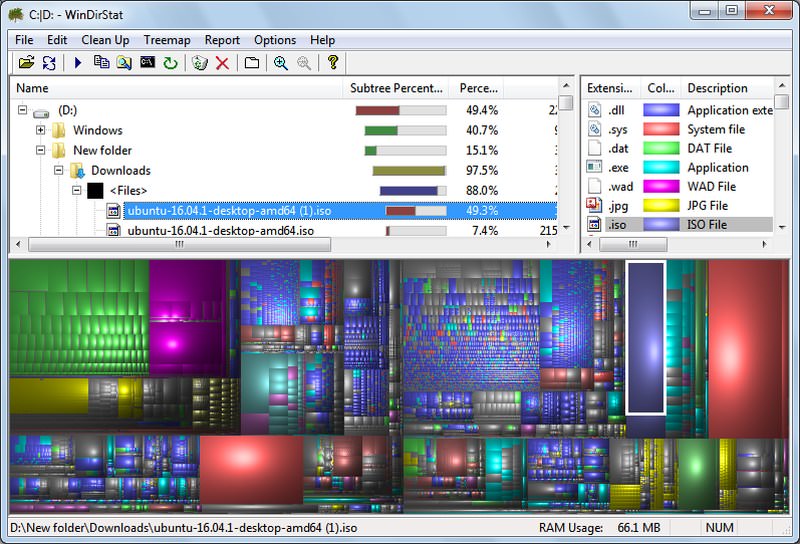
The amount of disk space required depends on the user’s needs and the intended use of the computer. For general home use, such as browsing the internet, sending emails, and creating documents, 250GB of disk space is typically sufficient. However, for more demanding tasks, such as video editing or gaming, 500GB or more may be required.
It’s worth noting that the operating system and software applications also take up space on the hard drive, so it’s essential to factor these in when calculating the required amount of disk space.
How to Manage Disk Space?
To ensure optimal performance, it’s essential to manage disk space effectively. Here are some tips for doing so:
- Regularly delete unnecessary files: Removing old files and documents that are no longer needed can free up significant amounts of disk space.
- Uninstall unused software applications: If there are software applications on the computer that are not being used, it’s best to uninstall them, as they may be taking up valuable disk space.
- Use external storage: If the computer’s disk space is almost full, it may be worth considering using external storage, such as a USB drive or external hard drive, to store files and documents.
- Use cloud storage: Cloud storage services, such as Google Drive or Dropbox, can provide additional storage space and allow users to access their files from anywhere with an internet connection.
In Conclusion
Disk space is a critical component of any computer system, and it’s essential to manage it effectively to ensure optimal performance. By understanding how much disk space is required and taking steps to manage it effectively, users can avoid issues such as slow performance, system crashes, and lost data.




Leave a Reply