
Cron Jobs: Automating Tasks on Your System
Cron is a time-based job scheduler in Unix-like operating systems that allows you to automate tasks and run them at a specific time or interval. It is a powerful tool that can save you time and effort by taking care of routine tasks automatically. In this article, we will dive into the basics of cron jobs, including how they work and how to set them up on your system.

How Cron Jobs Work
Cron is a daemon that runs in the background of your system and executes commands or scripts at a specific time or interval. It uses a configuration file called the “crontab” to specify when to run a job and what command to execute.
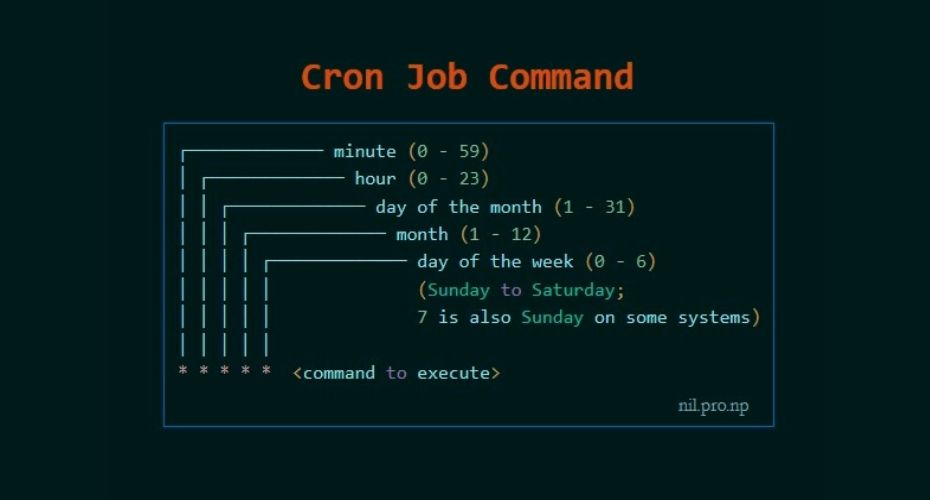
The crontab file contains lines of commands with their associated schedule information. Each line has six fields separated by spaces, which specify the minute, hour, day of the month, month, day of the week, and the command to run. Here is an example of a crontab entry:
javascriptCopy code0 0 * * * /path/to/command arg1 arg2
This line specifies that the command should be run at midnight (0 minute and 0 hour) every day of the month, every month, and every day of the week. The command to run is “/path/to/command” with arguments “arg1” and “arg2”.
Setting up a Cron Job
To create a cron job, you need to edit your crontab file using the crontab command. To edit your crontab file, type the following command in your terminal:
Copy codecrontab -e
This will open your crontab file in the default editor. You can then add your cron job by adding a new line with the appropriate schedule and command. Once you have finished editing the file, save and exit the editor.
It is important to note that each user has their own crontab file, so if you want to create a cron job for a specific user, you need to run the crontab command as that user.
Common Schedule Syntax
The following is a list of common schedule syntax you can use in the crontab file:
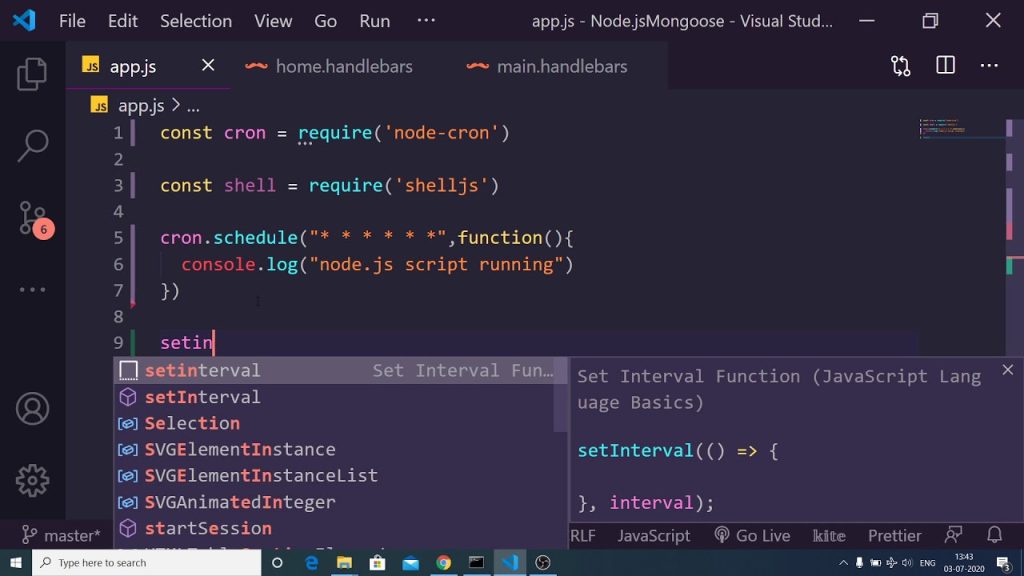
- (asterisk): matches any value. For example, “*” in the minute field means “every minute”.
Conclusion
Cron jobs are a powerful tool that can help you automate tasks on your system. They allow you to save time and effort by taking care of routine tasks automatically. By understanding the basics of cron jobs, you can set them up on your system and take advantage of their capabilities. With a little bit of practice and experimentation, you can become proficient in using cron jobs and streamline your workflow.




Leave a Reply